Local network control
Mixly
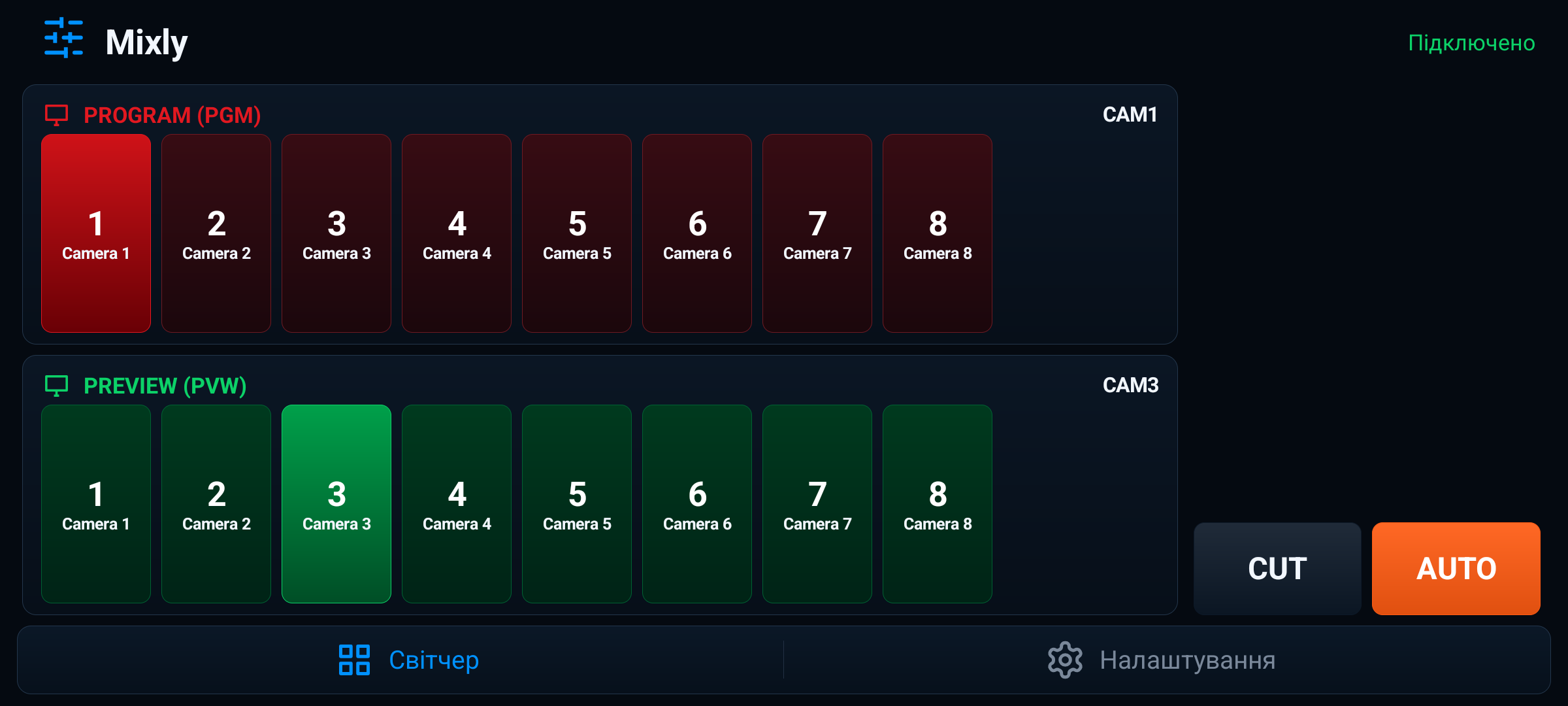
A focused Android control surface for live video switching. Connect by IP, choose Program and Preview, then cut or auto-transition from a landscape phone layout.
Built for operators
Everything important stays on the main screen.
Mixly keeps the first release deliberately narrow: connection, source switching, and transitions. The interface is tuned for fast operation instead of deep menu navigation.
Fast setup
From IP address to live switching.
-
01
Enter the switcher IP
Use the local network address of the compatible video switcher. The control port stays configured inside the app.
-
02
Choose Preview and Program
Select the next source on Preview and keep the active Program source clearly highlighted.
-
03
Take the transition
Use CUT for an instant switch or AUTO for the configured transition behavior on the switcher.
Private by design
Control stays between your phone and your switcher.
Mixly talks directly to the device on your local network. It does not create accounts, send analytics, run ads, or use remote servers. The app may store the last switcher IP locally so you can reconnect faster.
Read the full Privacy Policy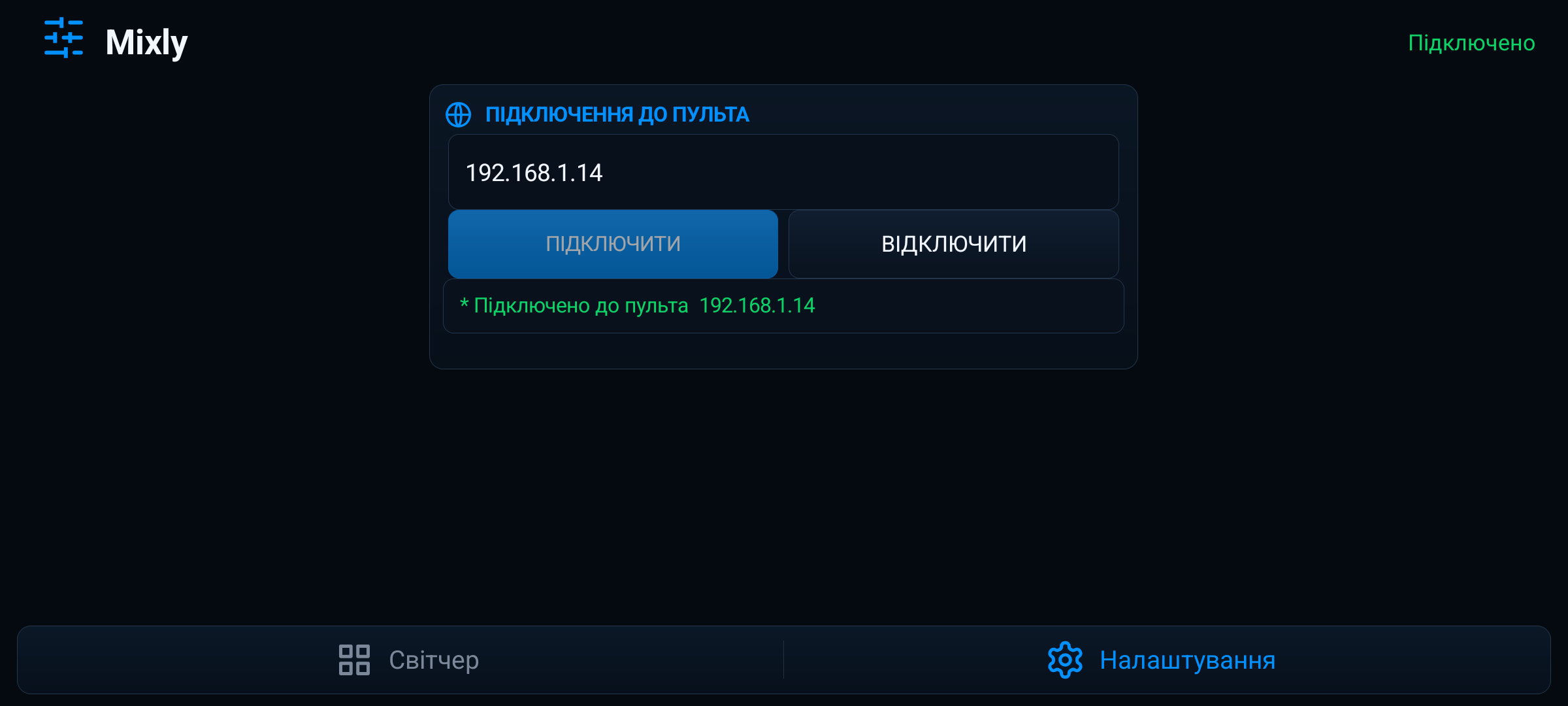
Compatibility
Designed for compatible local-network switchers.
Mixly is designed for switchers that support local network control, including Blackmagic ATEM models. Mixly is an independent app and is not affiliated with, endorsed by, or sponsored by Blackmagic Design.